Content Libraries
Part of Sales content libraries
Assigning an owner to each important sales asset
Define who maintains, verifies and approves each important sales asset, with a backup and clear change triggers.
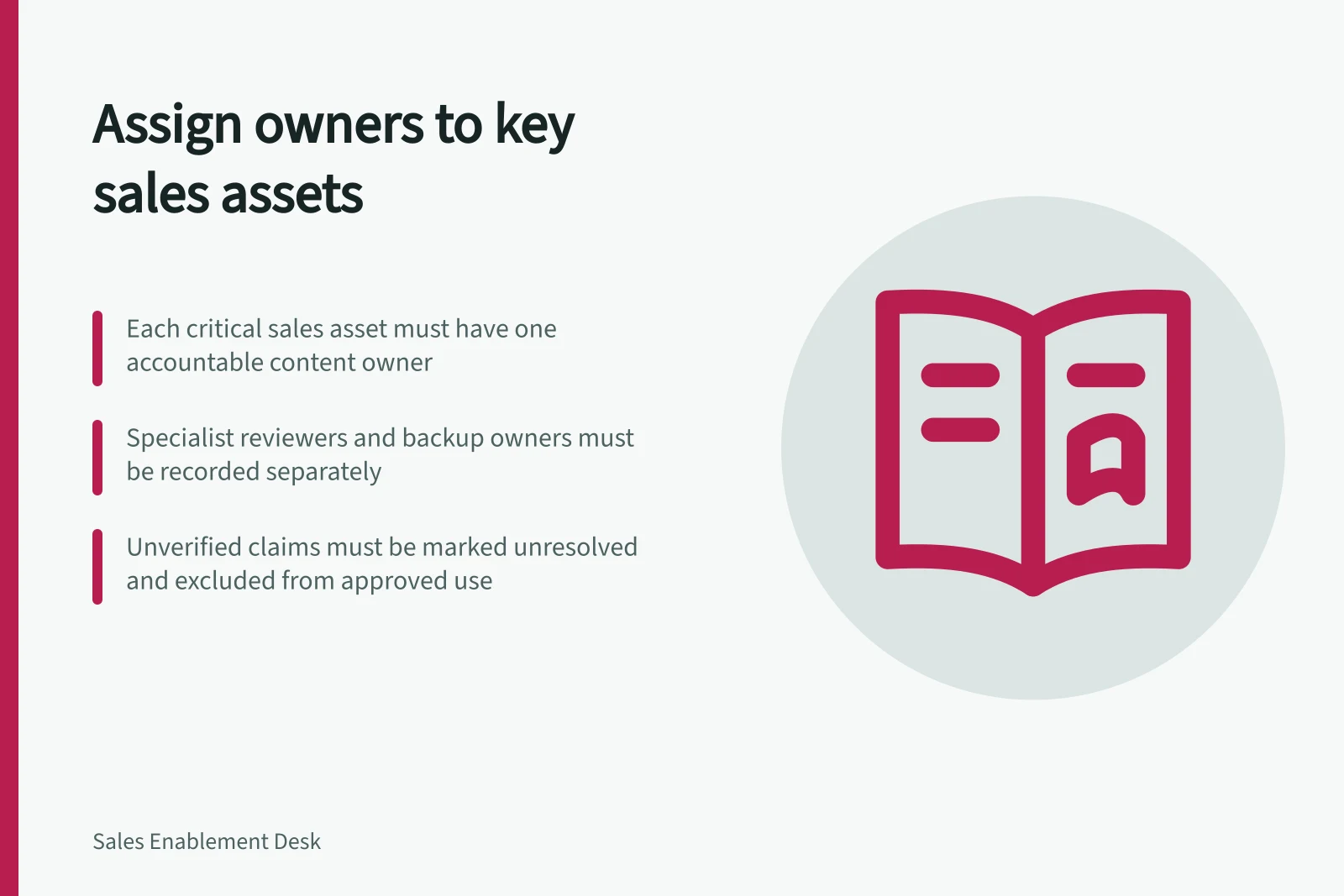
Give each important sales asset one accountable content owner: the person who decides whether it remains suitable for sales use. Record specialist reviewers and a backup separately. “Owned by marketing” is too vague when a representative needs an answer before a meeting.
Start with consequential assets
Prioritise material that is widely reused or contains claims a buyer may rely on, such as core product overviews, implementation explanations, customer stories and proposal components. Working notes may need lighter handling. Consequential customer-facing statements need a clear correction route.
Storage ownership does not identify the editorial owner. Record the person accountable for the asset’s content in a maintained register or metadata field.
Separate the owner from specialist reviewers
The content owner coordinates the asset’s lifecycle but need not personally verify every technical or commercial point. Specify who supplies evidence and who can approve customer-facing wording where another decision is required.
Role / Decision or task
- Content owner
- Keep, revise, restrict or retire the asset.
- Subject specialist
- Verify factual descriptions within their expertise.
- Commercial or legal approver, where required
- Authorise relevant customer-facing wording.
- Library administrator
- Make the approved version available and separate withdrawn material.
- Backup owner
- Handle changes when the primary owner is unavailable.
One person may hold several roles in a small team. Record the decisions and authority, rather than assuming that the creator or uploader is the content owner.
Give the owner a usable record
For each asset, note its purpose, audience, approved version, conditions of use, source of important claims, reviewers, owner, backup and review trigger. A product change, revised offer, recurring buyer misunderstanding or withdrawn permission to use a customer example can prompt review. A calendar check can serve as a backstop.
If a material point remains unverified, mark it unresolved and keep it out of the approved answer. A platform approval status should reflect the organisation’s actual decision. SharePoint can require content approval, but items already in a library are marked Approved when that setting is enabled; their claims still need review.
Transfer ownership and resolve corrections
When an owner changes role or leaves, give a named successor the asset record, open questions and next review decision. Confirm that the successor can reach the source material and approval history.
Let representatives flag a doubtful passage with the asset name and buyer context. The owner can obtain the specialist decision, update reused copies and tell users what changed. If an old claim has reached a buyer, route the account-specific correction through the responsible team.