Content Libraries
Sales content libraries
Plan a sales content library that helps representatives find suitable approved assets, recognise their limits and withdraw outdated versions.
A sales content library is a maintained place where representatives find approved material, see when it applies and avoid sharing an outdated version. Its value rests on clear ownership and withdrawal rules as much as storage and search.
Decide what belongs
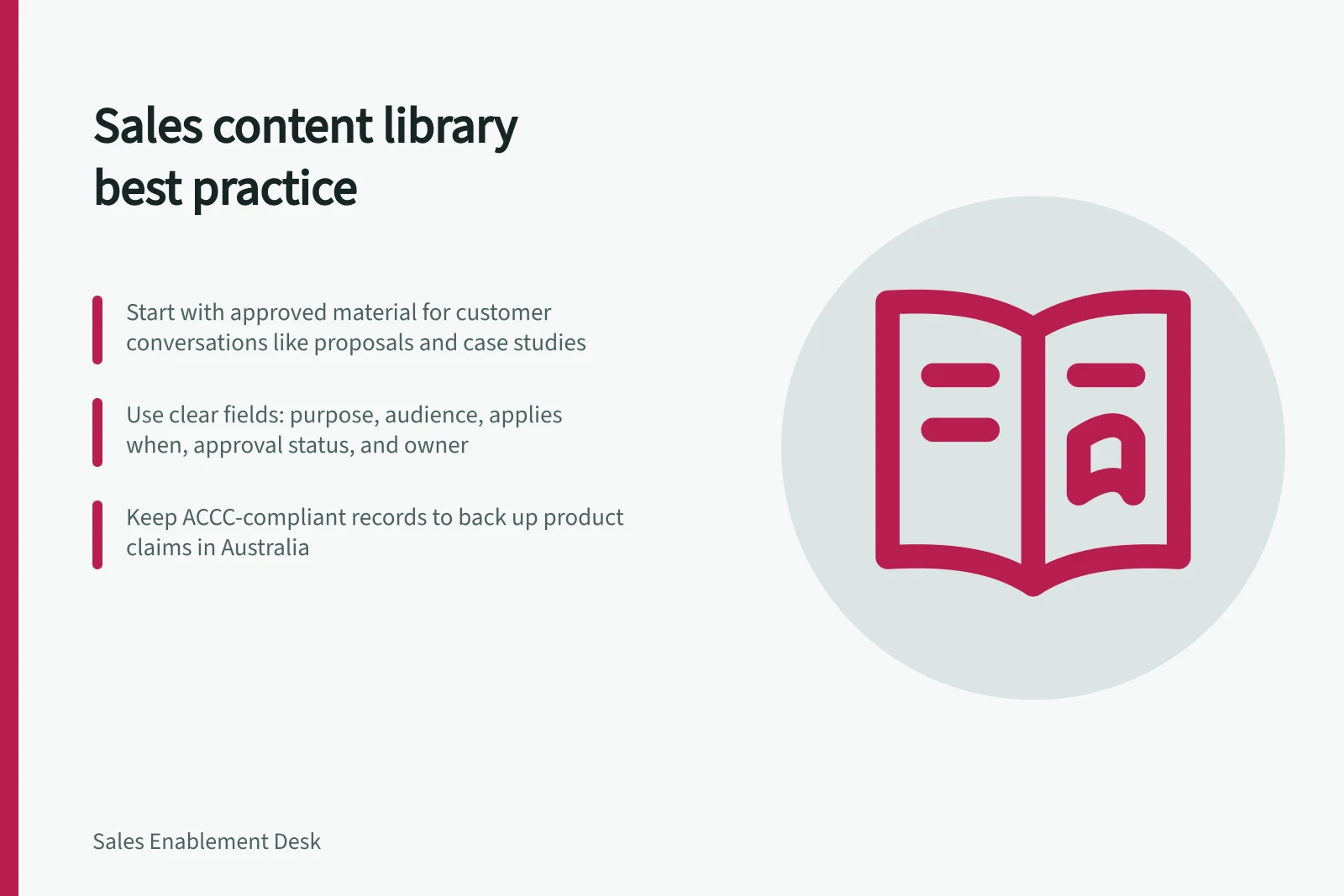
Start with material used to prepare for or follow up on customer conversations: approved overviews, explanations, comparisons, customer stories and proposal components. Include internal guidance where it helps someone choose or explain a buyer-facing item. Each asset needs a clear purpose and intended user.
Keep working drafts, approved material and retired versions distinct. An old deck may be worth retaining as a record, but it should not appear beside the current deck as an equally valid choice. A folder named “final” is no substitute for a recorded approval decision.
Make the right asset recognisable
A representative may start with “What will implementation require from us?” even when the relevant document is titled “Delivery overview”. Put the buyer question or its plain-language answer in the description, along with the audience and conditions that affect use.
| Asset record field | Question it answers |
|---|---|
| Purpose and buyer question | Is this relevant to the conversation? |
| Audience and use | Can it be sent to a buyer, or is it for internal preparation? |
| Applies when | Which offer or circumstance does it cover? |
| Approval status and version | Is this the authorised version? |
| Owner and review trigger | Who resolves a doubt, and what prompts another check? |
Use fields people can maintain. Where a tool supports labels or library columns, confirm that users can see and filter by the fields they need. SharePoint views can filter items using configured criteria. Neither feature establishes that an asset is accurate.
Key considerations for Australian sales content libraries
- ACCC compliance requirementBusinesses must back up claims about products or services made to customers
- GST implicationsE-commerce and invoicing content must reflect correct GST treatment for Australian transactions
- B2B marketing focusAustralian B2B strategies often prioritise trust, compliance, and detailed technical documentation
- Platform supportSharePoint and Google Drive allow metadata tagging, version control, and access rules essential for compliance
Separate approval from retirement
An editor may improve wording, a specialist may verify a capability, and an authorised reviewer may approve the customer-facing claim. Record who makes each decision and the scope of approval. Approval for one offer or market should not silently extend to another.
When an asset changes, find copies and reusable snippets that carry the old statement. Withdraw the previous version from sales use and tell users what replaces it. Version history can help inspect changes, but a newer upload does not prove that a claim was reviewed.
If the platform has an approval status, check how it is configured and what that status means in your organisation. In SharePoint, items already in a library are marked Approved when content approval is first enabled, without a fresh review of each item.
For Australian customer-facing material, keep records that support product and service claims. The ACCC says it can require businesses to back up claims they make about their products or services.
Approval vs. retirement: key differences in content management
- Approval statusConfirms the asset is authorised for use; does not guarantee it is up to date or accurate
- Retirement statusMeans the asset should no longer be used by sales teams; must be removed from active selection
- Visibility after changeApproved items remain visible unless retired; rejected items stay until deletion by authorised users
- Australian regulatory riskThe ACCC requires businesses to substantiate claims—retired versions may still be cited if not properly withdrawn
Make approval states operational
In SharePoint, an item submitted to a library that requires approval stays Pending until someone with at least Manage Lists permission approves it. In the usual configuration, the originator and people who can manage lists or libraries can see it while it is pending; after approval, it is visible to people with permission to view the library.
An Approved status is not a substitute for access control. If the site library allows any user to read items, everyone with Read permission can see items regardless of their approval status. Check the library’s security settings alongside its approval workflow, particularly where drafts or sensitive material are involved.
Rejected items remain in the list or library until the originator or someone with the necessary permissions deletes them. Make that distinction clear in your process: rejection is a recorded decision, while retirement means sales users should no longer choose the asset. State who can remove rejected material and how users can identify the current approved alternative.
Give field questions a correction route
Let representatives report a missing answer, a confusing qualification or a file they suspect is old. Capture the buyer question, the asset and the point of uncertainty, then route it to the owner and any relevant specialist.
The owner can correct an asset, clarify its scope, add an approved answer or confirm that no answer is ready to share. Make the interim status visible when a material claim is being checked. The representative can then tell the buyer what needs confirmation.
Start with consequential assets
Begin with a small set of frequently used assets that contain important claims. Establish an owner, approved version, permitted use and withdrawal route for each. Clear duplicate choices before importing a large archive.
Ask representatives to find answers using the words buyers use. If they cannot identify a suitable asset and its limitations, inspect the naming, access, description and available answers. File counts and open rates alone cannot show whether someone can choose the right material.
Establishing a functional sales content library in Australia
- Identify high-impact assetsBegin with frequently used materials containing key claims (e.g., pricing, compliance, product benefits)
- Assign clear ownershipDesignate an owner responsible for accuracy, updates, and approval of each asset
- Define use cases and audienceSpecify whether material is for internal prep or buyer-facing use, including conditions like market (e.g., B2B in Australia) or offer type
- Implement approval workflowUse SharePoint or similar to require approval before publishing; ensure version history tracks changes
- Retire outdated versionsWithdraw old versions from sales use and communicate replacements clearly; do not rely on file names like 'final'
- Enable feedback loopAllow reps to flag unclear or missing answers; route these to owners for review and update
Configure the first workflow deliberately
In Library Settings, open Versioning settings to require approval for submitted items and decide whether edits create versions.
Set the workflow against the intended audience before inviting representatives to use the library. Test the available settings with a representative asset to check that the review process and version history support the intended use.
After a sample change has been reviewed, confirm the version history helps trace the change and that the recorded approval matches its intended scope.
In this guide
- Organising sales assets by buyer questionMap buyer questions to suitable sales assets, record when each applies and check whether representatives can find the right answer.
- Finding outdated collateral before a customer meetingCheck sales collateral against approved versions and recent changes before a customer meeting, and handle uncertain claims without improvising.
- Assigning an owner to each important sales assetDefine who maintains, verifies and approves each important sales asset, with a backup and clear change triggers.