Content Libraries
Part of Sales content libraries
Finding outdated collateral before a customer meeting
Check sales collateral against approved versions and recent changes before a customer meeting, and handle uncertain claims without improvising.
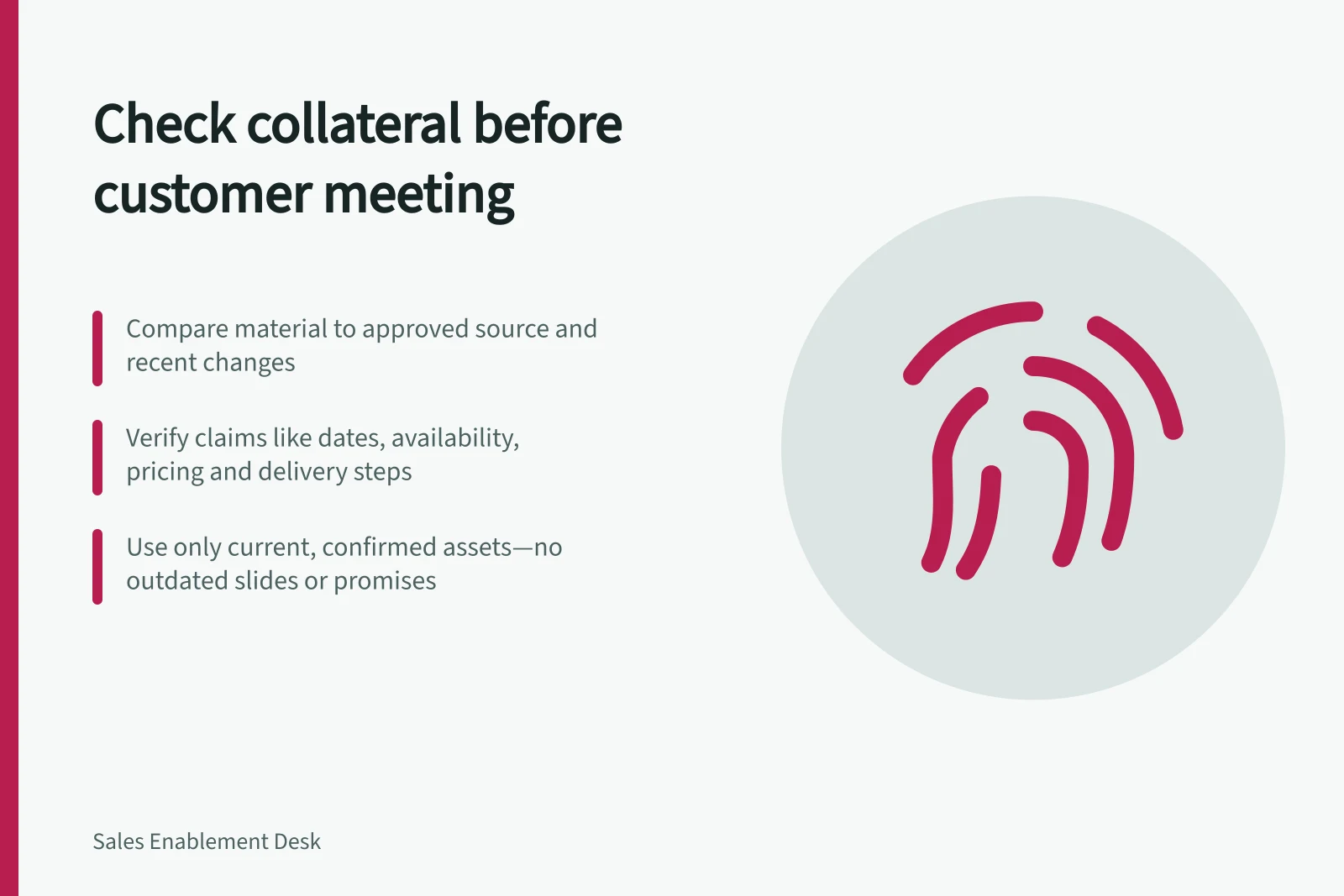
Before a customer meeting, compare the material you plan to use with its approved source, the offer under discussion and any recent change that could affect its claims. A recent file date does not prove the content is current.
Key Risks of Outdated Sales Collateral
- SharePoint version history access
- Depends on permissions and configuration
- Google Workspace admin control for user content
- Admins can manage content via Google Admin console
Identify claims that matter to this buyer
List the presentation, proposal wording, product sheet, customer story and internal guidance you expect to use. Note the buyer's proposed offer, location, terms and main questions. A general overview may still be accurate while a pricing slide, feature description or delivery promise has changed.
Prioritise claims that could affect the buyer's decision: dates, availability, inclusions, exclusions, delivery steps and figures. Previous use by a colleague is not evidence of current approval.
Compare each item with its approved record
Check the approved version and the conditions under which it applies. Inspect the content, including reused slides and snippets; a current deck can contain an old claim. If copies conflict, ask the responsible owner to resolve the difference before presenting the disputed statement as fact.
SharePoint provides ways to inspect earlier versions, subject to the relevant access and configuration. A version record can show what changed, but it cannot establish that a sales claim was substantively approved.
| Finding | Meeting decision |
|---|---|
| Current and applicable | Use the approved asset within its stated scope. |
| Current but conditional | State the relevant condition with the claim. |
| Unconfirmed, conflicting or withdrawn | Seek an approved answer or arrange to follow up; do not present the disputed claim as fact. |
Prepare for an unanswered question
If a buyer may ask about an unconfirmed capability, identify what is verified, what depends on their circumstances and who can check the open point. Remove an unreliable asset from the meeting pack. A verbal promise is no safer than an outdated slide.
Keep a material limitation with the answer rather than leaving it for a later correction.
Correct the source afterwards
Record the uncertain claim, what the buyer was told and who owns the follow-up. Ask the asset owner to correct or withdraw the source and find reused copies, including proposal snippets and local decks. Tell colleagues which version to use next time.