Content Libraries
Part of Sales content libraries
Organising sales assets by buyer question
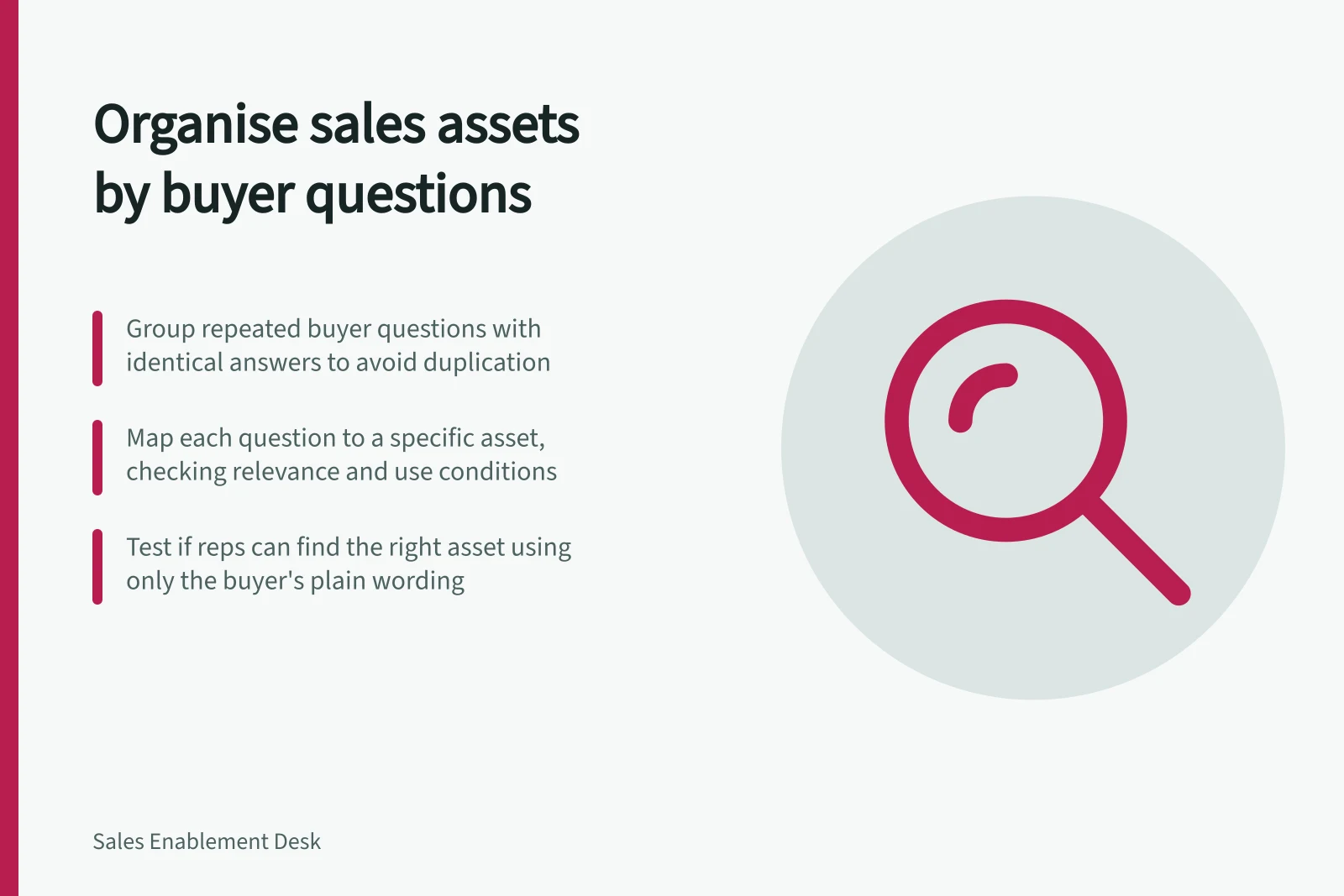
Map buyer questions to suitable sales assets, record when each applies and check whether representatives can find the right answer.
Start with the buyer’s question, then narrow assets by offer, audience and use restrictions. A sales-stage folder may aid navigation, but it cannot show whether a document answers “What work will our team have to do?”
Group questions that need the same answer
Collect questions representatives hear in meetings and follow-up. Keep the buyer’s plain wording, then group questions only where the same answer will serve. “What does implementation involve?” and “Who supplies the data?” may need different material despite sharing a topic.
For each group, write what the buyer needs to understand or decide. If no approved asset answers it, record a gap rather than attaching the nearest deck.
Map each question to a suitable asset
One question may need different assets for different uses: an internal explanation for preparation, a short overview to send, or a detailed document for a specialist conversation. One asset may also answer several related questions. Record those relationships without making uncontrolled copies.
| Buyer question | Possible asset | Check before use |
|---|---|---|
| “What happens after we sign?” | Buyer-facing process overview | Does it cover the current offer and distinguish standard steps from conditional ones? |
| “What will our team need to provide?” | Implementation responsibilities sheet | Does it apply to the proposed setup? |
| “Can you show an example?” | Approved customer story | Does permission and context allow this use? |
Describe each asset in the language of the question, including useful alternative terms. A tag is a finding aid, not approval: users still need to see the intended audience, current status and material limitations. Google Drive labels can label files when the organisation has set them up.
Asset Use by Question Type
- Buyer QuestionWhat happens after we sign?
- Suitable AssetBuyer-facing process overview
- Check Before UseDoes it cover the current offer and distinguish standard steps from conditional ones?
- Buyer QuestionWhat will our team need to provide?
- Suitable AssetImplementation responsibilities sheet
- Check Before UseDoes it apply to the proposed setup?
- Buyer QuestionCan you show an example?
- Suitable AssetApproved customer story
- Check Before UseDoes permission and context allow this use?
Check the route to an answer
Give a representative a realistic buyer question without naming the file. See whether they can find a suitable asset, explain why it fits and notice any condition that affects its use. Include a question with no approved shareable answer; the route should make that gap clear.
If the result is wrong, identify the cause. The buyer’s wording may be absent from the description, several files may look equally current, or the suitable item may be inaccessible. Correct the cause and check the route again. Revisit the question map as field questions and approved answers change.