Sales Playbooks
Part of Sales demo enablement
Choosing the buyer's workflow to demonstrate in a sales demo
The best demo workflow is the one the buyer needs to evaluate, not the one with the most visually impressive screens.
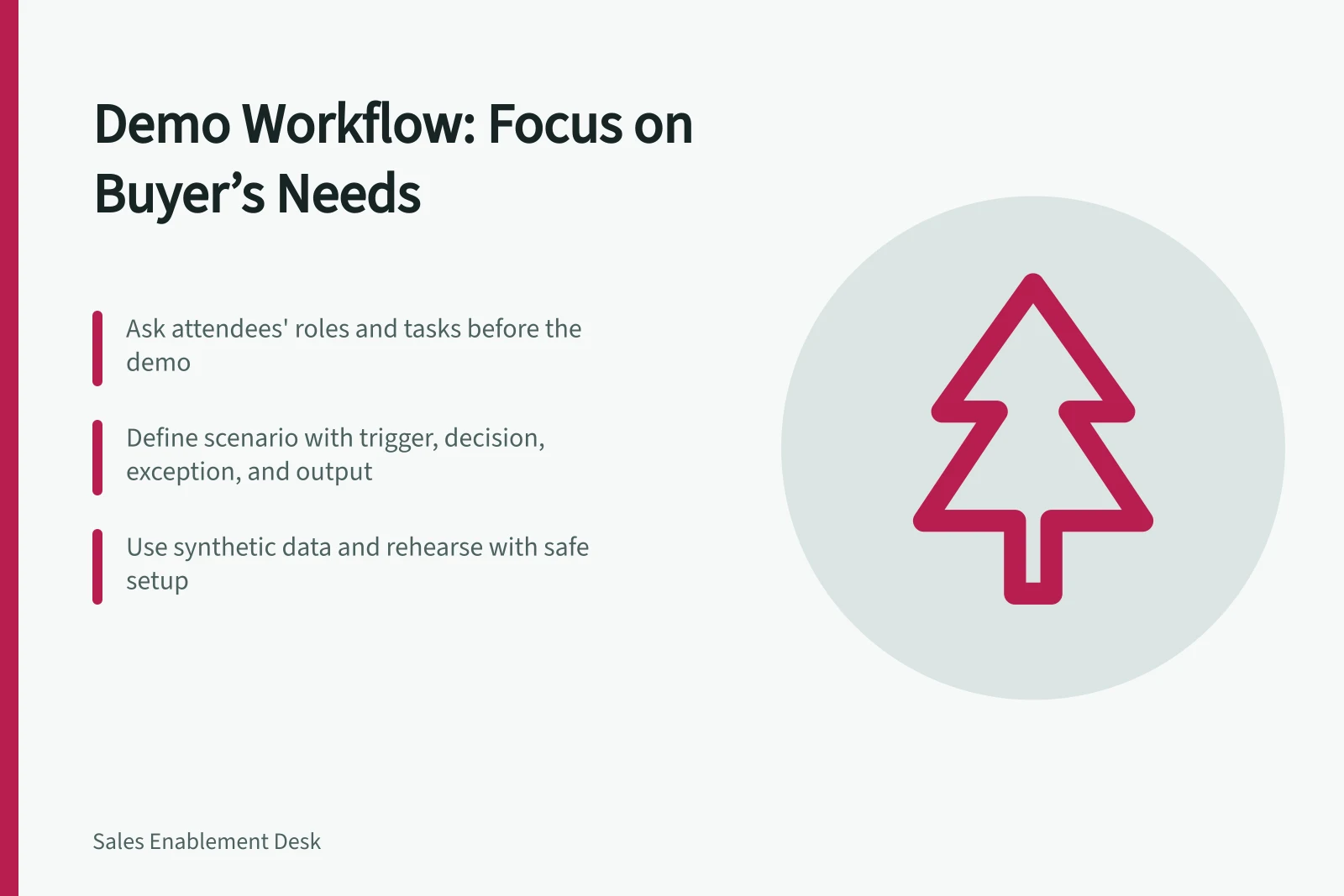
The best demo workflow is the one the buyer needs to evaluate, not the one with the most visually impressive screens. Before the meeting, ask who will attend, what task they need to perform and what a successful result would look like. Translate those answers into one primary scenario.
Set the scenario's boundary: show its trigger, important decision, exception and final output. A finance buyer may care less about a colourful dashboard than whether an invoice with a mismatch is stopped and assigned to the right reviewer.
A manager may need the opposite view. These are examples to shape questions, not claims about a vendor.
If several roles attend, state whose question each step answers. Save secondary features for a short follow-up or a separate specialist session. Rehearse with realistic but synthetic data, and note where the product needs configuration. Microsoft publishes product-specific sample data for demonstration and test environments, reinforcing the value of a separate safe setup.
End by asking whether the workflow matched the buyer's actual process. Record the differences. A demo succeeds when it sharpens the purchase decision, including reasons the product may not fit.
Buyer Role Focus: Finance vs. Manager Perspectives in a Sales Demo
- Finance Buyer Priority
- Preventing invoice mismatches; ensuring correct routing to reviewer.
- Manager Buyer Priority
- Tracking progress, managing team workload, and visibility across workflows.
Best Practices for Effective Sales Demos in Australia
- Use of synthetic dataRecommended by Microsoft for safe, repeatable demos.
- Separate test environmentEssential to avoid disrupting live systems; recommended by Arclet and HowdyGo.
- Focus on core workflowMore impactful than showcasing all features; endorsed by Gain.io and LinkedIn Sales content.