Sales Playbooks
Part of Sales demo enablement
Showing only the features relevant to the conversation
A feature is relevant when it changes the buyer's decision about their workflow.
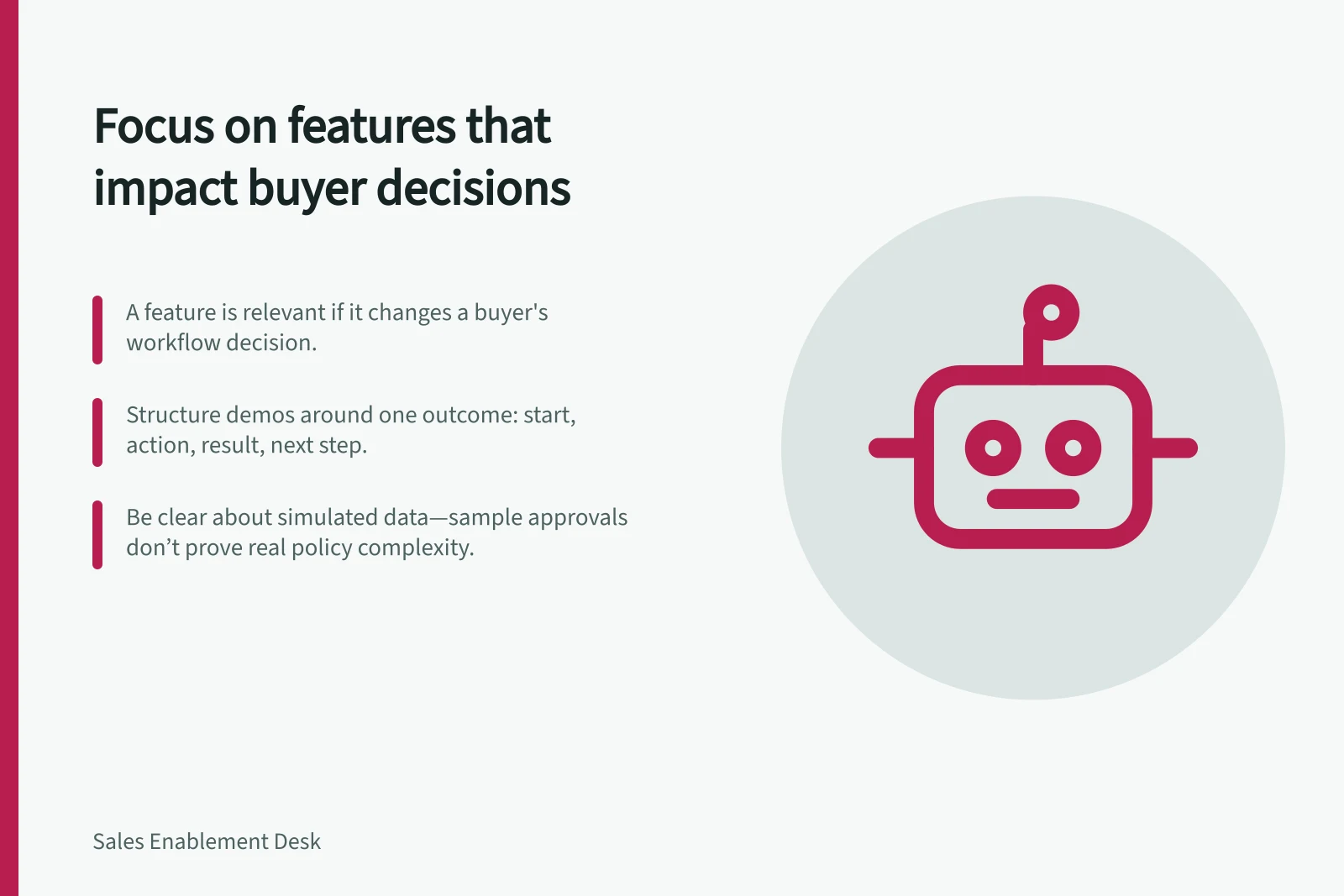
A feature is relevant when it changes the buyer's decision about their workflow. Ask which task, constraint or risk it addresses before you put it on screen. If you cannot answer that, leave it for another conversation.
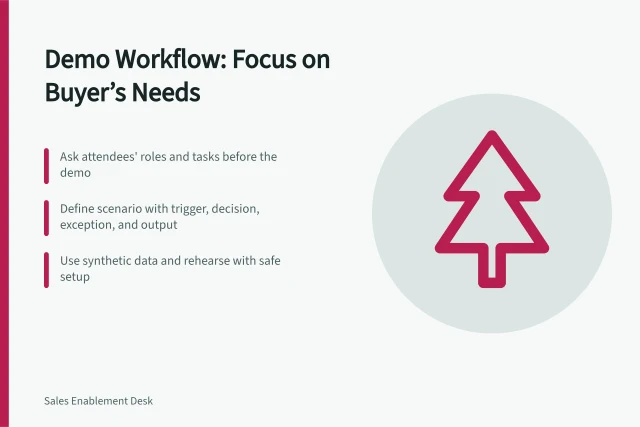
Structure the demonstration around one outcome: starting state, action, result, and what a user would do next. Explain enough configuration to make the result credible without turning the meeting into a settings tour.
When a buyer asks a new question, decide whether the current environment can answer it accurately. If not, record it for a specialist or a trial.
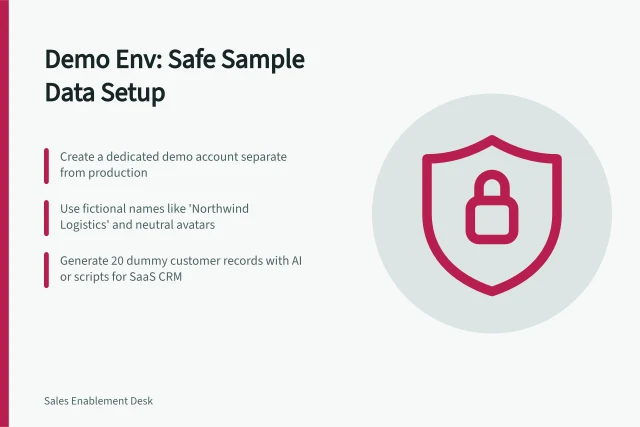
Be explicit about simulated data and integrations. A sample approval that always succeeds does not prove a complex approval policy can be implemented. Microsoft documents dedicated demonstration data for a specific product; that data showcases capability but is not evidence that the buyer's own workflow has been validated.
Leave a short record of the features shown, the assumptions made and any untested requirements. The buyer can then weigh the demo against their own decision criteria, rather than remembering only the smoothest screen.