Sales Playbooks
Part of Sales demo enablement
Preparing a demo environment with safe sample data
A demo environment should be convincing without exposing live customer or employee data.
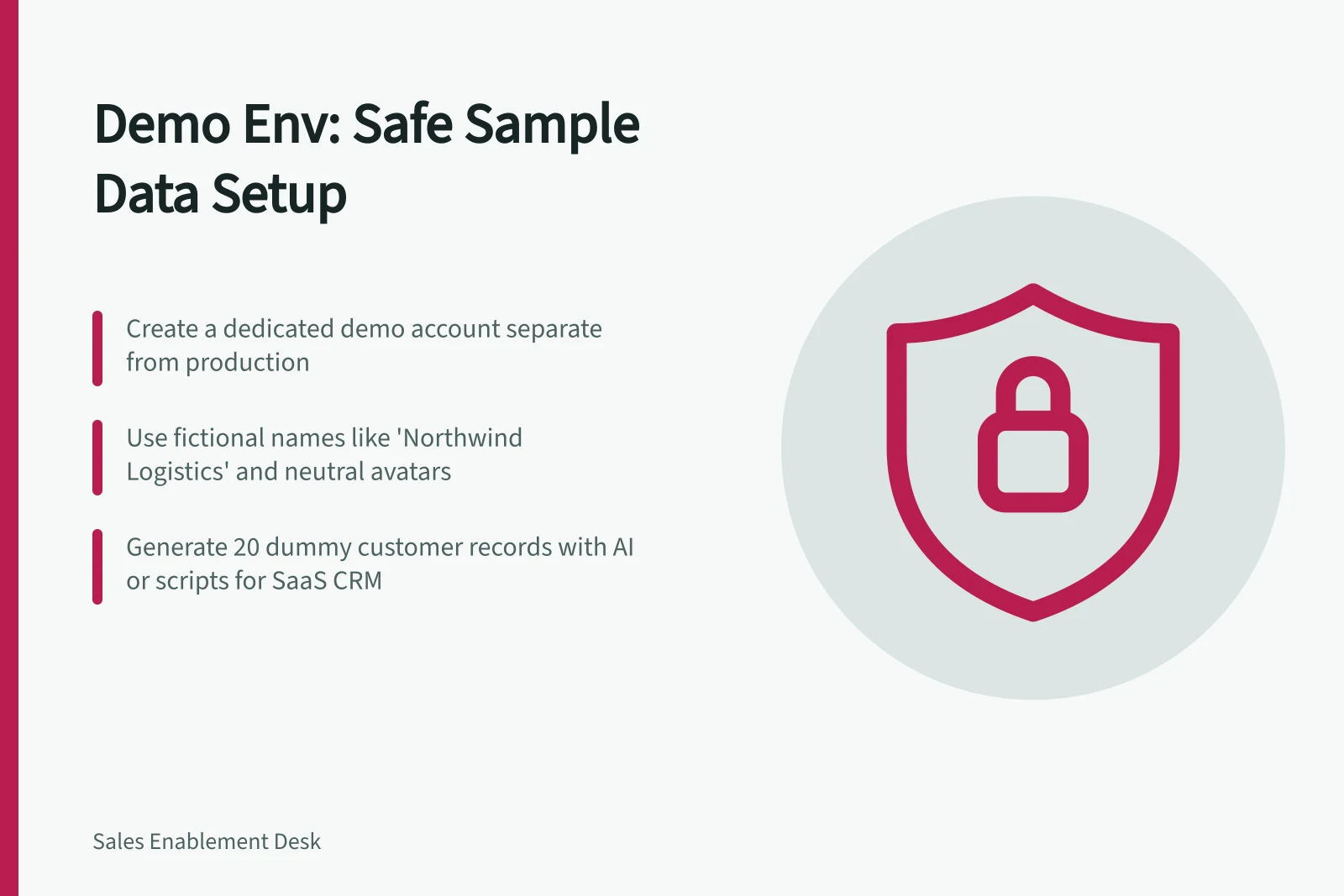
Create a dedicated demo account, workspace, tenant or profile; do not use your working account. Keep the environment separate from production so demo changes cannot affect live operations.
Use a neutral identity, a generic avatar and permissions suited to a typical new customer. Make the account reproducible so you can return it to a known state; never use real customer information, even blurred.
Generate dummy records with ChatGPT, Claude or Gemini, or create them with a script if your product supports seeding or fixtures. For example, prompt: “Generate 20 rows of customer data for a SaaS CRM, including name, company, deal size, stage, and close date”; review the output before importing it.
Use plausible but fictional names such as “Northwind Logistics” or “Harbor Coffee Co.” Avoid placeholder names such as “Test User 1”, “aaa” and “Lorem ipsum project”. Keep visible file, module, dashboard and login names neutral rather than labelling them “demo”; note in your setup records which data is sample data.
Prepare enough varied records to fill the visible area of a list, without making the interesting record hard to find. Give charts a trend with a story, such as growth, a dip and a recovery, and use recent dates and realistic magnitudes.
Keep linked records and workflows consistent. When creating parent and child records, preserve their relationships so the sample data does not contain broken references.
For Dynamics 365 Project Operations, Microsoft Learn says Dynamics 365 Project Service Automation evolved into Project Operations. It names V902PSMasterData as the Project Service version 3.x-only sample package; the package is English-only and includes setup and reference data such as bookable resources, roles, price lists, organisational units and sales process records.
Microsoft Learn says only V902PSMasterData remains available; the Field Service and combined packages FPSDemoData, v902FPSMasterData and v902FSMasterData are no longer available from Marketplace. Sample data cannot be uninstalled, and installing separate individual packages one after another is unsupported, so use the package only on an isolated demonstration, evaluation, training or test system.
Before installing, check the documented target-instance requirements: English as the base language, US dollars as the base currency, no existing Project Service or Field Service data beyond barebones default data, and the correct application version already installed.
For Microsoft Dynamics 365 Business Central, prepare data in a standard Docker container for the relevant country. Set up the records manually, note the tables you change, create a configuration package containing those tables and only the fields whose values you changed, then export it as a “.rapidstart” package; configuration packages are easier to revise than special codeunits that require an app change.
If a Business Central app is for multiple countries, prepare data for each localisation because languages and posting groups can differ. The standard “CRONUS” company can be set up with the required data, including customers, items, vendors and transactional records such as open orders.
Testmo offers demo projects in trial accounts. From the home dashboard or Admin > Projects, open Add Project and select the Demo project checkbox; Testmo then generates sample milestones, test cases, test runs and results, exploratory test sessions, and test automation runs.
Testmo demo projects are not available with a paid subscription. Use a separate trial account for them so sample projects are not mixed with production data.
Keep email, payment processing and other backend actions inside the controlled demo environment, not connected to live operations. Reprise describes demo environments that replicate processes such as sending emails and processing payments without unintended consequences; check integrations and identify any simulated email, API or approval step before using it.
Before a rehearsal, check the demo credentials, browser, sample-data state and backup path, then verify permissions, record states and integrations. Reset the environment afterwards so the next session starts from a predictable state.