Content Libraries
Part of Sales enablement software
Testing search quality in a sales content system
Test sales content search with judged questions, approved answers, access roles, versions and result order.
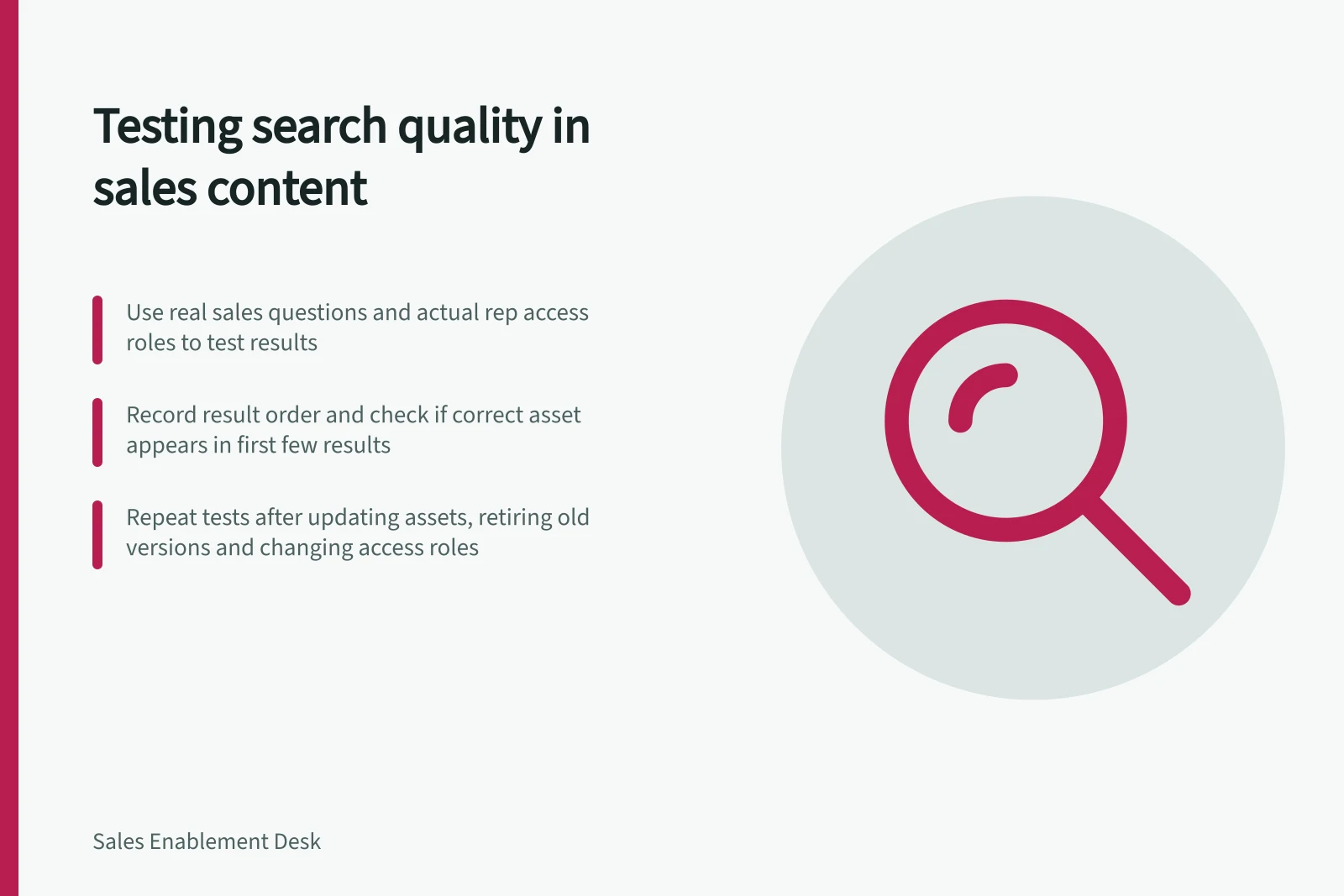
Test search quality with sales questions, approved answers and the access roles representatives actually use. The useful result must appear soon enough to find; obsolete or restricted material must not look like a shareable answer. Give each candidate the same judged tasks and record result order.
Build a judged test set
Choose important assets whose owners can confirm the current version. Write the information need before the search terms.
For example: “Find the current Australian implementation overview approved for a buyer meeting.” Record the suitable asset or alternatives, disallowed versions and permitted role.
An item is relevant because it answers the need, not merely because its title contains the query words.
Try the buyer's wording, an internal product term, an acronym, an old name and an incomplete phrase. Include cases with no approved shareable answer. Use fictional or cleared material in a vendor demo.
| Test case | What to record |
|---|---|
| Exact title and natural-language question | Position of the first approved, suitable result |
| Synonym or old terminology | Whether the current answer remains discoverable |
| Superseded asset | Whether it is hidden, labelled or incorrectly preferred |
| Restricted role | Whether results and previews respect access |
| No approved answer | Whether the gap stays clear instead of suggesting an unsuitable substitute |
Judge results and investigate failures
Mark each returned item suitable, partly useful, wrong or unsafe to share, and record why.
A current document may still be wrong for the buyer's product, region or stage.
When the first result is wrong, inspect titles, descriptions, tags, duplicate files and ranking behaviour with the administrator before assigning a cause.
For a compact comparison, report how many test questions have a suitable item within the first few results and the position of the first suitable item. State the chosen result depth and keep failures visible by case.
This is a task-level top-results check, not a universal score for search quality. Established information retrieval methods likewise start with explicit information needs and relevance judgements and examine ranking near the top of results.
Compare on equivalent conditions
Where feasible, load equivalent approved content, metadata and permissions into each candidate. Record indexing delays, default filters and manual tuning.
Do not improve one collection's tags during the test while leaving another unprepared. If a vendor prepares the collection, ask what your administrators would need to maintain after launch.
Repeat selected searches after replacing an asset, retiring an old version and changing a role's access.
Keep the queries, expected answers, observed results and unresolved exceptions as a regression set.
Search quality depends on both the software and the content and permissions it is given.